
Real Estate Acquisition CRM
DealShot Center
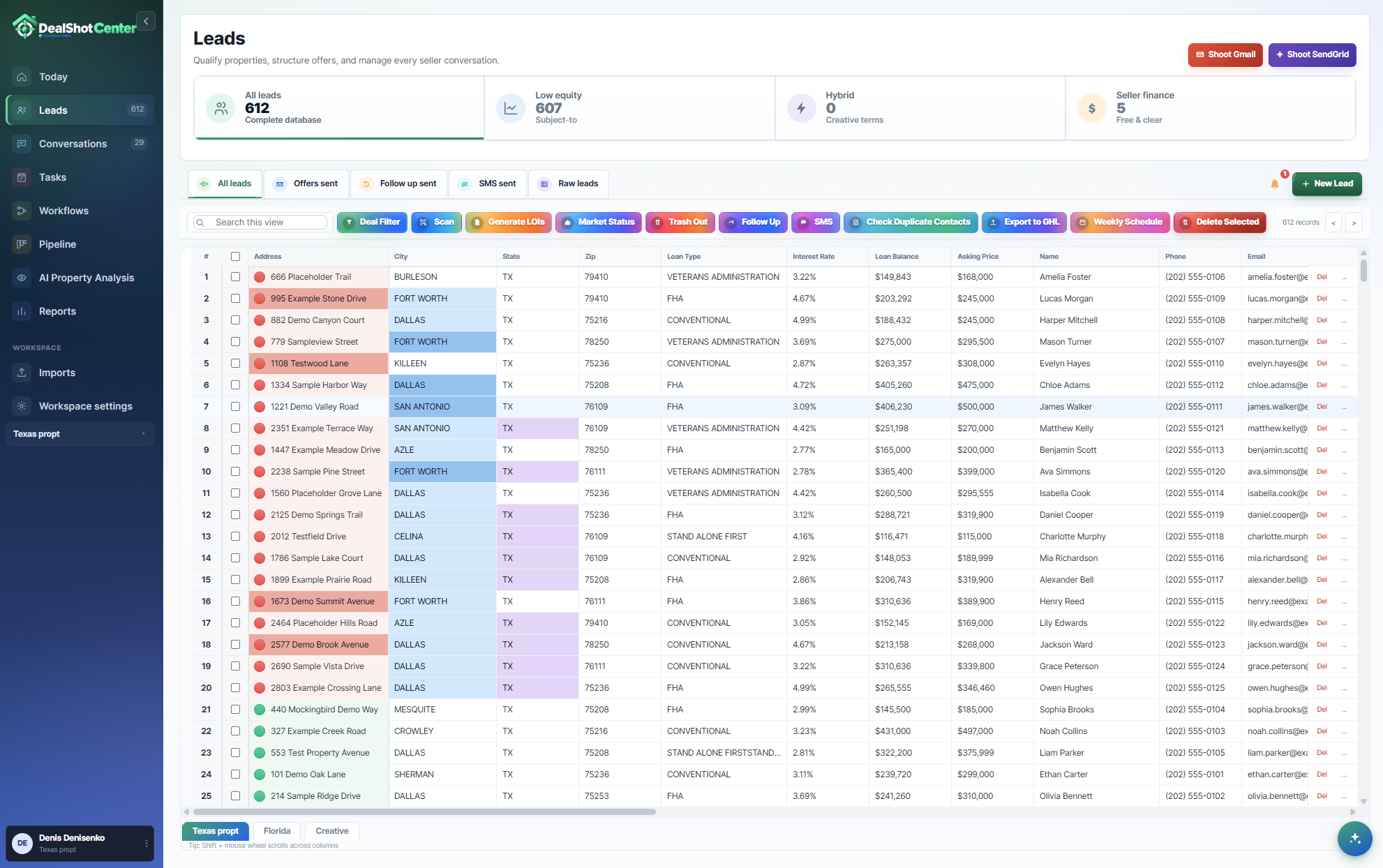
From Property Data to Deal Management
Import property lists, analyze opportunities, generate personalized LOIs, automate outreach, and manage every deal from one centralized platform.





Features & Benefits
All-in-One CRM System
Import → Scan → Generate → Send
Import one property list and let DealShot scan leads by your settings. The system can organize deals from 0% to 100% equity and generate LOIs for Subject-To, Hybrid, and Seller-Finance offers into one clean workflow.

One-Time Setup
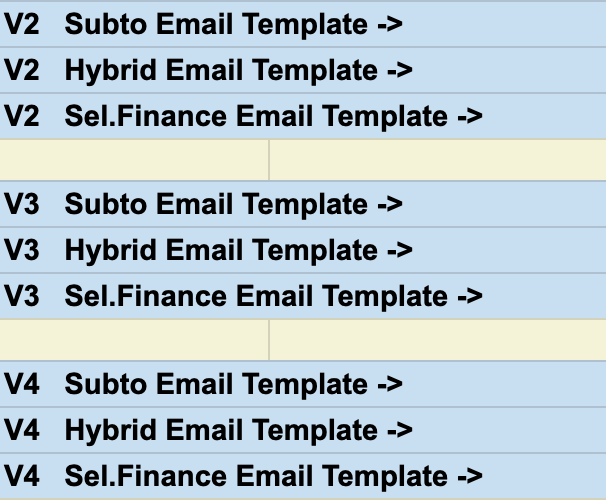
Set it up once and use it every day. DealShot helps you scan leads, generate LOIs, and send emails & SMS for Subject-To, Hybrid, and Seller-Finance offers from one system.
Scan All Data with One Click
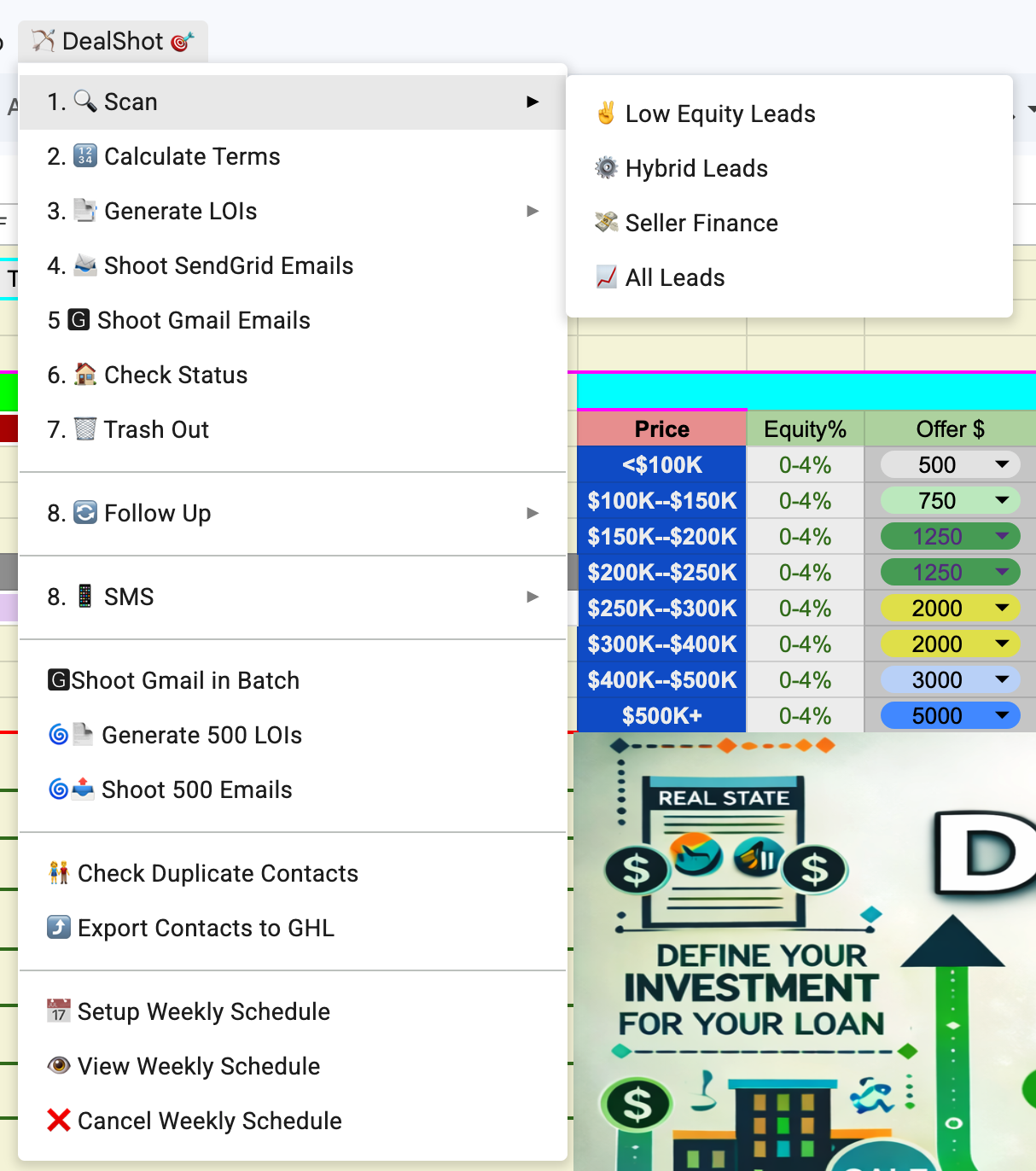
Choose your deal strategy — Subject-To, Seller-Finance, Hybrid, cash, or low-interest leads. DealShot applies your settings, calculates the numbers, and prepares the right LOIs and emails for each lead.
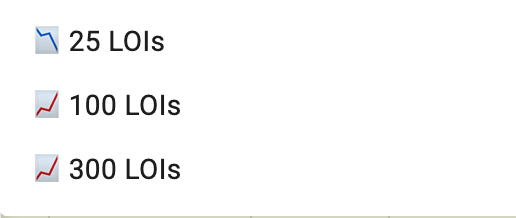

500 Emails with One Click
Send up to 500 campaign emails from your sheet with one click. DealShot helps you reach more agents and sellers while saving hours of manual work.

Market Status and Price Updates
Stop wasting time on outdated leads. DealShot can check market status and price changes so you avoid sending offers on sold listings or outdated asking prices.
This feature is optional and requires a RapidAPI key, which may have an additional cost.

Free Data Source Option
DealShot supports PropWire as a free data source option. If you use PropStream or BatchLeads, you can switch your data source in Settings and continue using your existing workflow.

Export Contacts to GoHighLevel
Export your leads to GoHighLevel with one click so you can continue follow-up inside your CRM automation workflow.

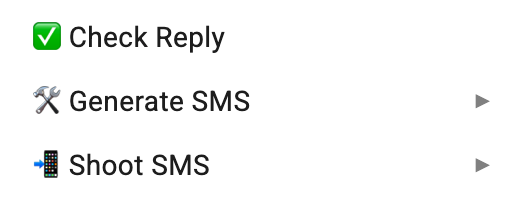

SMS Campaigns with Quo
Add SMS follow-up to your email campaigns. DealShot can connect with Quo through API so you can follow up with leads by text after your email campaigns. Quo service fees may apply.
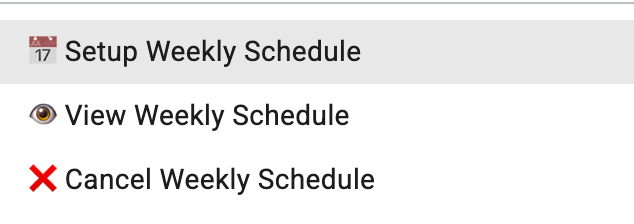
Automatic Email Scheduling
Schedule daily email campaigns and let DealShot send them automatically based on your selected limits and settings.
Frequently Asked Questions
What exactly is DealShot?
DealShot is a Google Sheets-based automation system for real estate investors. It lets you import property lists, filter leads by your criteria, generate PDF LOIs, send tracked emails, create follow-ups, and prepare SMS campaigns — all from one spreadsheet.
Do I have to have a Google Workspace account?
A custom domain with Google Workspace is recommended for better deliverability and a more professional sender identity. A regular Gmail account can work, but it may have lower daily sending limits.
How many leads can I process per month?
DealShot connects with SendGrid API, which can allow up to 50K emails per month depending on your SendGrid plan.
What data sources can I use?
DealShot supports PropWire, PropStream, and BatchLeads. You can select your preferred data source in Settings and use the workflow that fits your business.
Is my data secure?
All processing happens in your Google account. DealShot never stores your credentials or sheet contents on external servers.
What if I need help setting up DealShot?
We offer Zoom, email, and phone support to help you connect your APIs, adjust your settings, and get DealShot ready to use.
Try DealShot Free
Love It or Don’t Pay
You’re Ready?
Start with a 14-day free trial and explore the full DealShot workflow before you commit.